Top Features Every Small Team Needs in Scheduling Software
Managing a small team may seem easy at first, but even a few employees can create scheduling headaches. Conflicting shifts, last-minute time-off requests, and missed tasks can slow down your business. That’s why using the right scheduling software is key.
A good scheduling tool keeps everyone on the same page, improves productivity, and reduces stress. In this guide, we’ll explore the top features small teams need in scheduling software, how AI can make scheduling smarter, and why tools like ChatArm can take your team’s organization to the next level.
Easy-to-Use Interface
Small teams often don’t have a full-time HR or admin person. They need software that’s simple to use. Look for an interface that is intuitive and mobile-friendly.
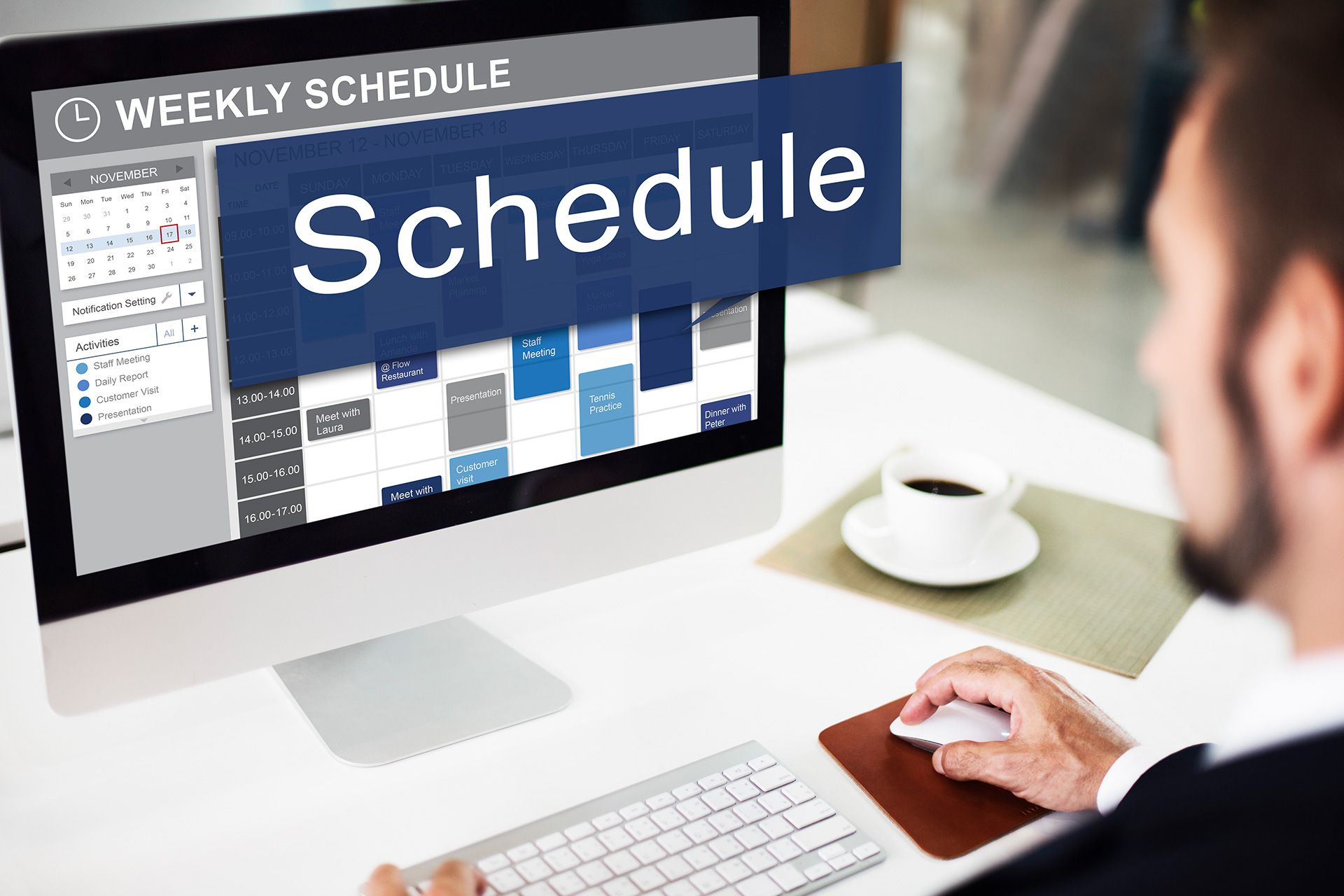
A clear, visual calendar with drag-and-drop functionality helps managers create and adjust schedules quickly. Team members can easily view their shifts, assignments, or tasks, reducing confusion and errors.
For example, a retail store with five employees can manage weekly schedules in minutes instead of spending hours coordinating via text or email. Simple design saves time and ensures everyone knows what they’re supposed to do.
Shift and Task Management
Assigning shifts and tasks is a core feature of any scheduling software. It’s important to choose a system that allows you to:
- Assign shifts and tasks to specific employees
- Set reminders for upcoming shifts or deadlines
- Make changes quickly when someone calls out
Automatic notifications mean employees are instantly updated when schedules change. This prevents missed shifts and ensures tasks get completed on time. Small teams benefit the most from tools that reduce manual management, keeping work flowing smoothly.
Time-Off and Availability Tracking
Even small teams need time off. Scheduling software should let employees:
- Submit vacation or personal leave requests
- Set their availability
- Receive confirmation when requests are approved
Managers can see who is available and plan coverage accordingly. This ensures that shifts are always filled and employees aren’t overworked. For small businesses, this feature is critical to avoid last-minute conflicts or understaffed shifts.
Team Communication Tools
Good communication is essential for small teams. Many scheduling tools now include built-in messaging. Employees and managers can:
- Send shift reminders
- Announce schedule changes
- Communicate directly without email overload
This feature keeps everyone informed and reduces the risk of miscommunication. For remote or hybrid teams, messaging within scheduling software can be a game-changer.
Reporting and Analytics
Tracking hours, overtime, and productivity trends helps small teams work smarter. The best scheduling software provides reports such as:
- Total hours worked per employee
- Overtime trends
- Shift coverage patterns
Some tools also integrate with payroll or HR software, making it easy to calculate wages accurately. Reports help small team managers make better staffing decisions, optimize schedules, and identify workflow issues before they become problems.
Integrations With Other Tools
Scheduling software works best when it connects with the other systems your team uses. Common integrations include:
- Calendar apps like Google Calendar or Outlook
- Project management tools like Trello or Asana
- Payroll software
Integration reduces manual data entry, prevents mistakes, and ensures smooth workflows across all your business operations.
AI-Powered Features (Including ChatArm)
AI is transforming scheduling software. Smart tools can automatically assign shifts, suggest optimal schedules, and send reminders. For small teams, AI can save hours of administrative work.
ChatArm is an excellent example of an AI tool for small teams. Its features include:
- Appointment Scheduling: Automates booking based on availability
- Lead Follow-Ups: Ensures no potential customer is missed
- Automated Reminders: Reduces missed appointments and shifts
- AI Call Answering: Handles customer inquiries efficiently
- Customer Support: Provides answers to common questions automatically
With AI, scheduling becomes more than just organizing shifts—it improves overall productivity and ensures employees and clients are always on time.
Customization and Scalability
Small teams grow. Your scheduling software should grow with you. Look for options that allow:
- Adding new employees easily
- Customizing shift types and schedules
- Expanding features like reporting, messaging, and integrations
A scalable solution ensures you don’t have to switch software as your team grows. It also allows you to adopt more advanced tools, like AI automation, over time.
Security and Privacy
Even small teams handle sensitive information such as employee data and customer appointments. Choose scheduling software with strong security measures:
- Role-based access
- Encrypted data storage
- Secure login and authentication
Secure software protects your business and builds trust with your employees and customers.
Mobile Accessibility
Small teams often work on the go. Mobile-friendly apps allow employees to check schedules, submit requests, and receive notifications anywhere. Managers can make quick updates from their phones, ensuring flexibility and efficiency.
Benefits of the Right Scheduling Software
Using the right scheduling software brings several benefits:
- Reduces errors and confusion
- Improves employee satisfaction
- Saves administrative time
- Ensures proper shift coverage
- Enhances communication and accountability
- Boosts productivity and workflow efficiency
AI-powered tools like ChatArm take these benefits even further by automating repetitive tasks, allowing managers and employees to focus on high-value work.
Conclusion
Small teams can achieve big results with the right scheduling software. Key features like shift management, time-off tracking, reporting, integrations, and AI-powered tools make a real difference.
By using smart scheduling tools and automation like ChatArm, small teams can save time, avoid conflicts, and ensure their business runs smoothly. Whether you’re scheduling shifts, managing appointments, or handling customer inquiries, the right software is essential for growth and efficiency.
FAQs
What is the best scheduling software for small teams?
Look for software with easy-to-use calendars, shift management, reporting, and AI features like ChatArm for appointment scheduling.
Can scheduling software track employee availability?
Yes. Most tools allow employees to set availability, request time off, and managers to approve or adjust schedules.
How does AI improve scheduling?
AI automates shift assignments, sends reminders, optimizes workloads, and handles tasks like appointment booking or customer follow-ups.
Is scheduling software mobile-friendly?
The best tools have mobile apps that allow managers and employees to view schedules, get notifications, and update availability on the go.
Can scheduling software integrate with other tools?
Yes. It can connect with calendars, payroll, project management, and communication tools to reduce manual work.
How do automated reminders help small teams?
They prevent missed shifts, reduce errors, and improve accountability for employees and clients.
What features make ChatArm useful for small teams?
ChatArm handles appointment scheduling, AI call answering, lead follow-ups, automated reminders, and customer support for small teams.
Disclaimer: The information on this website and blog is for general informational purposes only and is not professional advice. We make no guarantees of accuracy or completeness. We disclaim all liability for errors, omissions, or reliance on this content. Always consult a qualified professional for specific guidance.
Search Blog
Recent Post